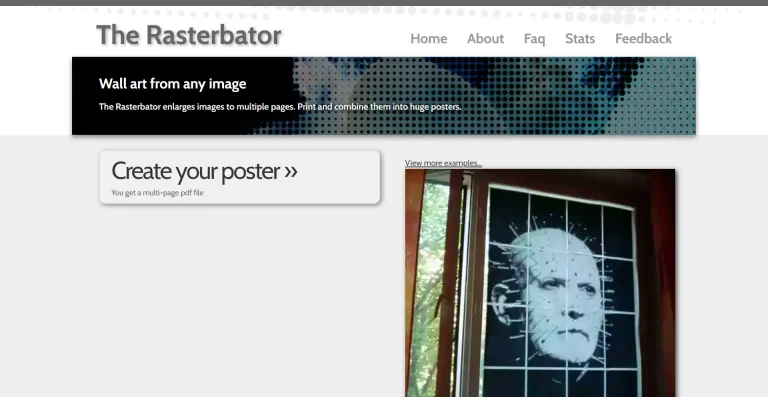

Content Aware Scale does in the browser what the Photoshop feature of the same name does: reshape a photo to a different aspect ratio by removing or compressing the low-detail regions — sky, water, empty wall — so the people and objects keep their proportions. The technique is seam carving, and when it works it feels like cheating: a landscape becomes a portrait crop and nobody in it got thinner.
The practical use is format hell: the same image needed as a wide header, a square tile and a 9:16 story, where a plain crop loses the subject and a plain stretch distorts it.
What it costs
Free.
What we can’t tell you
How it behaves when there’s nothing boring to remove. Seam carving needs low-detail regions to eat; a busy image with texture everywhere will warp visibly. Straight lines — horizons, buildings, door frames — are the other classic casualty. Check them at 100% before you ship the result.
The details
| What it is | Free browser seam carving: reshape photos without distorting subjects |
| Price | Free |
| Best for | Re-formatting one image across wide, square and vertical slots |
| Think twice if | The image is busy edge to edge, or full of straight lines |