Most “Canva alternatives” lists are the same twenty names in a different order, and a good number of the links are dead. We checked every tool on this page on 10 September 2026 — every one of them loaded, on its own domain, under its own name. That is a lower bar than it should be, and a lot of lists do not clear it.
The more useful question is not what replaces Canva. It is which specific thing Canva does badly for you, because the answer changes the tool completely. Nobody leaves Canva in general. They leave it for a reason, and there are about five reasons.
Reason 1: everything you make looks like everyone else’s
This is the most common complaint and the least often addressed, because most alternatives are also template libraries — you swap one set of recognisable templates for another and arrive back where you started in six months.
Kittl is the genuine exception in this group. It is built around typography and effects rather than layout templates, which means the output tends not to read as “made in a template tool”. If your problem is that your work looks generic, this is the one to look at first.
Visme goes the other direction — heavier on data, charts and presentation structure. Different look, and a better fit if what you are making is closer to a report than a poster.
Reason 2: you have hit the export or vector ceiling
Canva is a raster-first tool with vector manners. If you need real vector output — proper SVG, editable paths, files a printer or a developer will accept — you are working against it.
Penpot is open source, browser-based, and vector-native. It is also self-hostable, which matters if your files cannot live on someone else’s server.
Figma is the obvious heavyweight, and worth naming plainly: if your work is drifting towards interface design rather than marketing graphics, Canva is not the tool you are outgrowing, it is the category.
Vectr is the small, free, straightforward option when you want vector editing without learning a design application.
Reason 3: you need photo editing, not layout
People routinely try to do photo work in Canva and find themselves fighting it, because it is a layout tool that happens to accept images.
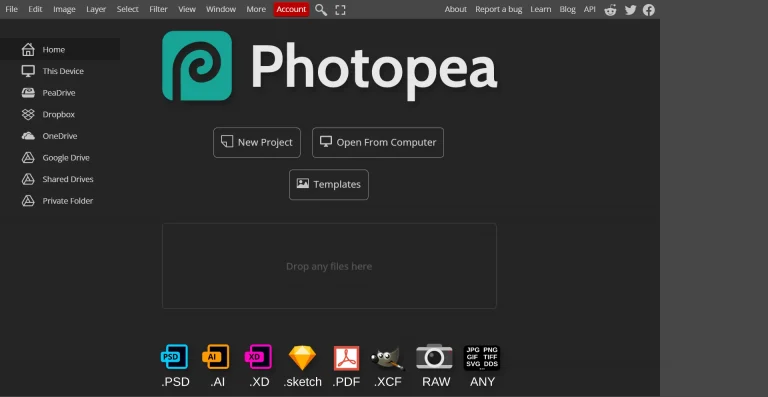
Photopea runs in a browser, opens PSD files, and looks and behaves like Photoshop. If your actual task is “edit this photograph properly”, this is the shortest path from where you are.
Reason 4: it is a print job, and print has rules
Bleed, crop marks, CMYK, and the specific dimensions a given printer or platform demands are where consumer design tools quietly fail you — usually at the printer, after you have paid.
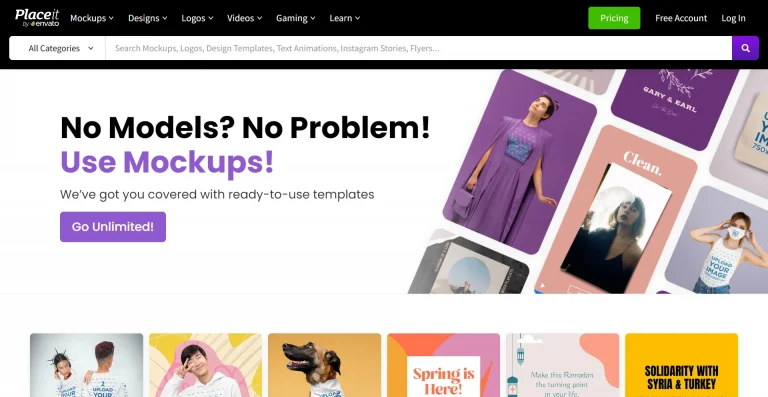
PosterMyWall is built around print and signage output. Easil is aimed at teams producing print and retail collateral with brand control. Placeit is a different job again — mockups and product imagery rather than the artwork itself, which is what you want when the deliverable is a photograph of a t-shirt, not the t-shirt design.
Reason 5: it is a commerce job — product images, ads, listings
Glorify is specifically aimed at e-commerce product imagery and ad creative, which is a narrower job than Canva’s and is done better by something that only does it.
Piktochart covers the infographic and report end. Simplified and Design Wizard both sit closest to Canva’s own shape — general-purpose, template-led — and are the ones to consider if you like how Canva works and simply want to stop paying for it or hit a limit on a specific feature.
What we are not going to tell you
We have not run all eleven of these through the same project and we are not going to pretend otherwise. What this page is: a shortlist sorted by the reason you are leaving, with every link verified live on the date above, and each name pointing at what we know about it.
We have also not listed prices. Every one of these changes its pricing more often than we could keep a page accurate, and a stale price is worse than no price — check the tool’s own page before you commit to anything.
What we can tell you is what the shortlist is not: it is not the top twenty results reworded, and it does not include tools that have quietly gone dark. Two well-known names were dropped from this list because their sites now redirect somewhere else entirely.
The short version
| If the problem is… | Look at |
|---|---|
| Everything looks templated | Kittl |
| You need real vector files | Penpot, Vectr |
| You are actually doing UI work | Figma |
| You need to edit photographs | Photopea |
| It is going to print | PosterMyWall, Easil |
| You need product mockups | Placeit |
| E-commerce and ad creative | Glorify |
| Infographics and reports | Piktochart, Visme |
| You just want Canva, cheaper | Simplified, Design Wizard |
Questions people ask
Is there a completely free Canva alternative?
Photopea, Penpot and Vectr all run free in a browser without an account for basic work. They are also the three least like Canva, which is the trade — you are getting a proper editor rather than a template library.
What is the closest thing to Canva?
Simplified and Design Wizard are the nearest in shape: template-led, general-purpose, browser-based. If you are leaving Canva over one specific limitation rather than disliking the approach, start there.
Can any of these open my existing Canva files?
No, and be wary of anything claiming otherwise. Export flat files (PNG, PDF) before you migrate, and expect to rebuild anything you need to keep editing. This is the real cost of switching and it is worth counting before you start.
How current is this page?
Links verified 10 September 2026. Tools change; if you find one of these has moved or closed, tell us on the contact page and we will fix it.